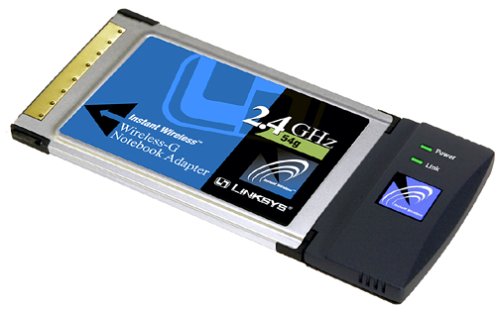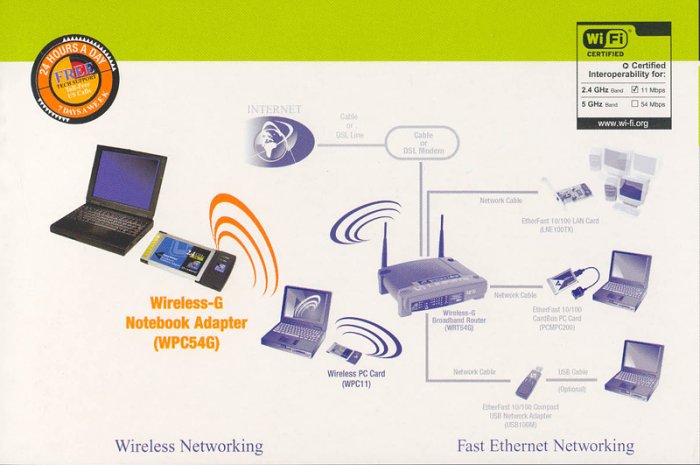
Wireless-G is the upcoming 54Mbps wireless networking standard that’s almost five times faster than the widely deployed Wireless-B (802.11b) products found in homes, businesses, and public wireless hotspots around the country – but since they share the same 2.4GHz radio band, Wireless-G devices can also work with existing 11Mbps Wireless-B equipment. The new Wireless-G Notebook Adapter from Linksys has both standards built in, so you can connect your notebook to existing 802.11b infrastructure, and also the new screaming fast Wireless-G networks. The included Setup Wizard will walk you through configuring the adapter to your network’s settings, step by step. Then just slide it into your notebook’s PC Card slot and enjoy network access with your notebook computer, while retaining true mobility. Once you’re connected, you can keep in touch with your e-mail, access the Internet, and share files and other resources such as printers and network storage with other computers on the network, wherever you wander. At home, you can surf the web or use instant messaging to chat with friends while sitting out on the patio.You’ll also be able to connect with any of the growing number of public wireless hotspots springing up in coffee shops, airport lounges, hotels and convention centers. And as those hotspots upgrade to the new high-speed Wireless-G standard, you’ll be ready to take advantage of the increased speeds. Get connected to current-standard 802.11b networks today, and be prepared for the future with the Wireless-G Notebook Adapter from Linksys.
Amazon.com Product Description Early Adopters Pick, January 2003. The first high-speed wireless networking PC card for laptops to use the 802.11g standard, which is four times faster than the current standard (802.11b) and backwards compatible.
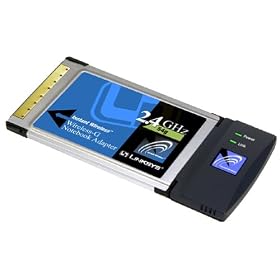
The new Wireless-G notebook adapter (PC Card adapter) from Linksys has both the 802.11b and newer 802.11g standards built in, so you can connect your notebook to existing 802.11b infrastructure and also the new, fast Wireless-G networks. The included setup wizard walks you through configuring the adapter to your network’s settings, step by step. Then just slide the adapter into your notebook’s PC Card slot and enjoy network access with your notebook computer, while retaining true mobility.
Wireless-G is the 54 Mbps wireless networking standard that’s almost five times faster than the widely deployed Wireless-B (802.11b) products that are found in homes, businesses, and public wireless hotspots around the country. But since they share the same 2.4 GHz radio band, Wireless-G devices also work with existing 11 Mbps Wireless-B equipment.
Once you’re connected, you can keep in touch with your e-mail, access the Internet, and share files and other resources such as printers and network storage with other computers on the network, wherever you wander. At home, you can surf the Web or use instant messaging to chat with friends while sitting out on the patio.
You’ll also be able to connect to any of the growing number of public wireless hotspots springing up in coffee shops, airport lounges, hotels, and convention centers. And as those hotspots upgrade to the new high-speed Wireless-G standard, you’ll be ready to take advantage of the increased speeds.
Get connected to current standard 802.11b networks today, and be prepared for the future with the Wireless-G notebook adapter from Linksys.
|
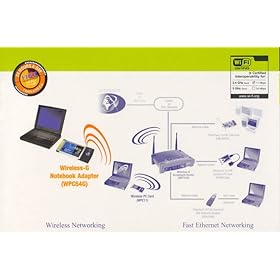
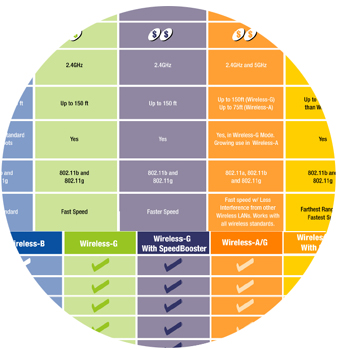
See a comparison diagram of the different wireless technologies. |
Wireless networks are rapidly becoming more popular and coming down in price. Since they don’t require cables, you can use the devices anywhere in an office or home, even out on the patio. There’s no need to roll out an Ethernet network cable to each room of a house; you can network anywhere–without wires. Outside the home, wireless networking is available in hotspots at coffee shops, businesses, and airports–great when you’re on the road and need to get some work done. For convenience, wireless networking is the answer. Which Wireless Standard Is Right for Me? Basically, a standard is a set of specifications for a device. All devices that follow a specific standard share operating characteristics, such as the radio frequency used and maximum data transfer speed. For wireless networking, there are three standards to choose from at this time:
To learn about the differences between the standards and select the right one for your network, click here for an easy-to-understand chart. |
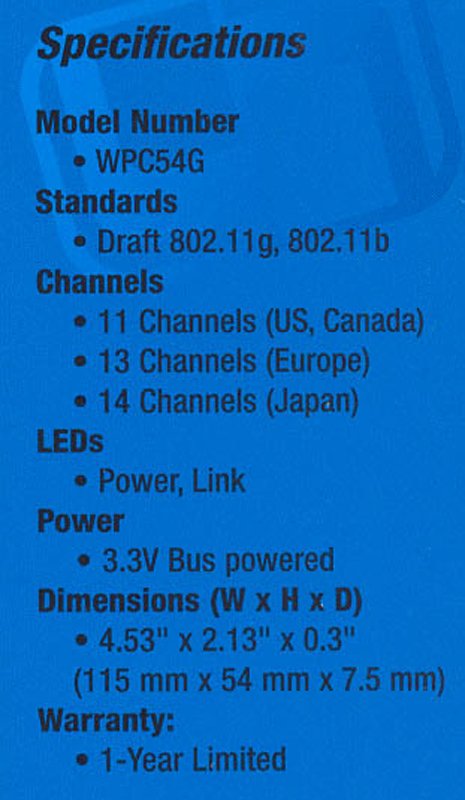
Product Type – Adapter
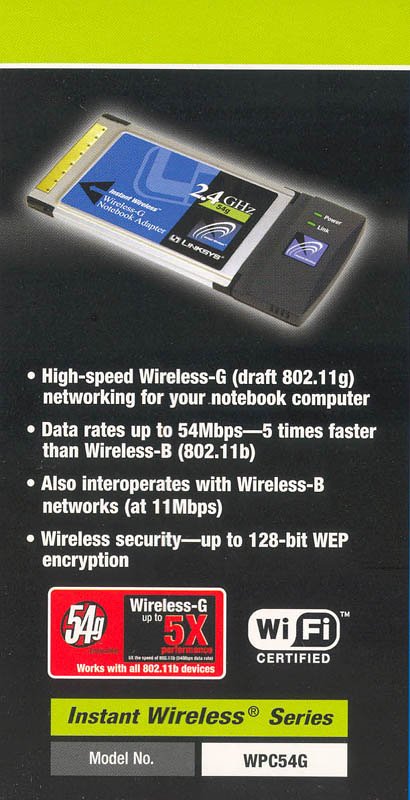
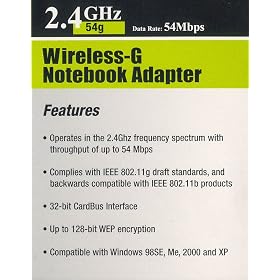
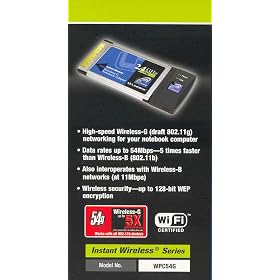
Data rates up to 54Mbps — 5 times faster than Wireless-B (802.11b)
Also interoperates with Wireless-B networks (at 11Mbps)
Up to 128-bit WEP encryption
Advanced wireless security: Wi-Fi Protected Access (WPA), and up to 128-bit encryption

HP 12CP Financial Calculator
Sharp MX-2615N Multifunction Copier by Copier Clearance Center
Cable Zip Ties 4"+6"+8"+12" Self Locking Nylon Cable Wire Tie Black for Home Office Garden Garage, Workshop
Intel Celeron G1840 Processor - BX80646G1840
HP 61 | 2 Ink Cartridges | Black | Works with HP DeskJet 1000 1500 2050 2500 3000 3500 Series, HP ENVY 4500 5500 Series…
Acer V176L b 17-Inch LCD Display,Black
HP 950XL | Ink Cartridge | Black | Works with HP OfficeJet Pro 251dw, 276dw, 8100, 8600 Series | CN045AN
CVLIFE 12x50 Compact Monocular Telescope Pocket Mono Spotting Scope with Compass and Pouch
EveShine Neon Accent LED Strips Bias Backlight RGB Lights with Remote Control for HDTV, Flat Screen TV Accessories and Desktop PC, Multi Color
Lenovo ThinkPad T430 14-Inch Laptop Computer (Intel Dual Core i5 2.6G up to 3.3 GHz Processor, 8GB Memory, 320GB HDD, WiFi, DVD, Windows 10 Pro 64 Bit)(Certified Refurbished)
TurboLock TL-100 Bluetooth Smart Lock with in-App Monitoring, Sending and Managing Unlimited eKeys; Weather Sealed, Keyless, Includes Mini Keycards (Brushed Nickel)
Intel BX80662G4400 Pentium Processor G4400 3.3 GHz FCLGA1151